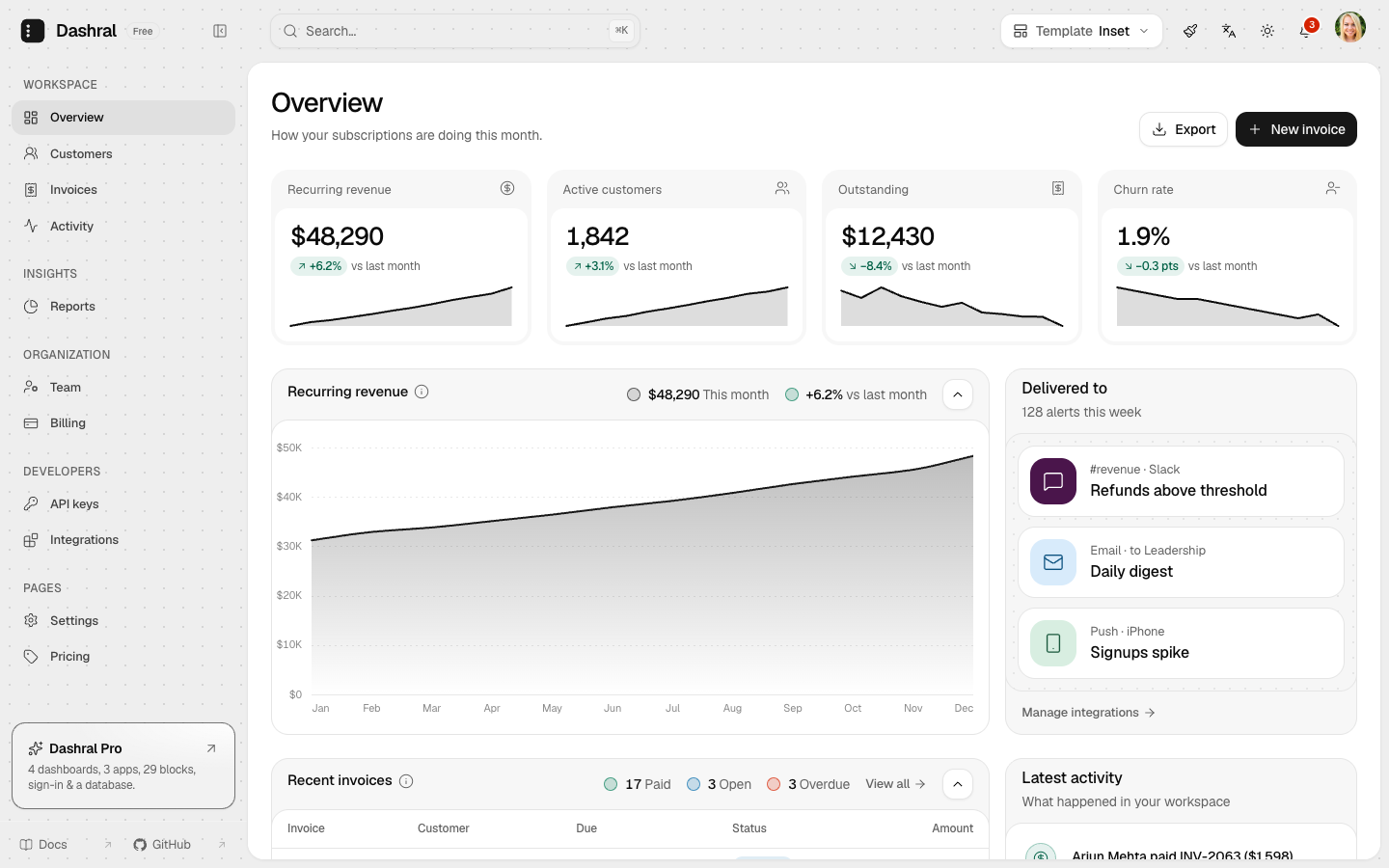
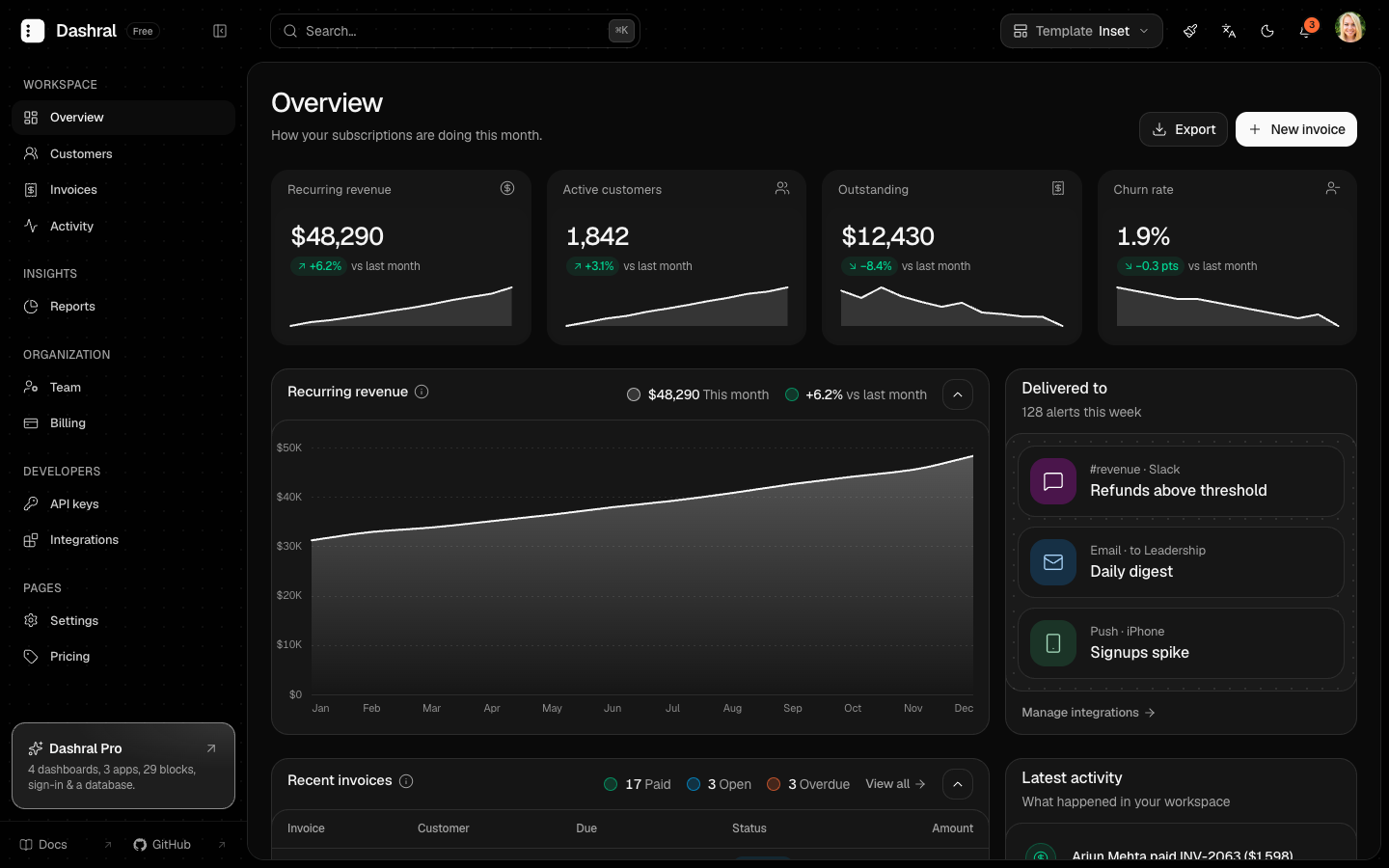
The sidebar and header share one quiet surface and the page sits on a rounded panel inside it, in black and white. Recurring revenue, customers, invoices, activity, reports, the team, billing, API keys and integrations on inset and panel cards. In the same repository as Classic: switch between them from the header.
Free11 pagesEnglish, Indonesian, ArabicLight and dark
Pages


What's inside
- A floating workspaceThe page on a rounded panel that scrolls on its own, inside a shell the sidebar and header share, with no lines between them.
- Black and whiteNear-black buttons, charts and logo (near white in dark mode), with soft Pro tags edged in a touch of blue.
- Inset and panel cardsHeaders and footers on a tinted frame, content on a white panel; charts and tables fold away from their bar.
- Tables that workSearch, filters, sorting, column choice, CSV and Excel export, and actions on each row.
- Two templates, one repoA Template button in the header switches between Inset and Classic; each keeps its own theme settings.
- Three languagesEnglish, Indonesian and Arabic, with the whole layout mirrored right to left.
- Search everything⌘K opens a palette of every page, grouped like the menu, and the keyboard works all the way.
- Every screen sizeEach page restacks for phones and tablets; toolbars stay on one row.
Next.js 16React 19Tailwind CSS v4TypeScriptRadixnext-intlnext-themes
Get started
Clone the repository and run pnpm dashral init once: it keeps only this template, which then opens on localhost:3000, and asks the rest. The demo pages or a blank page to build on, three languages or English only, the theme customizer, your app's name and its look. What you don't keep is deleted, so the project starts clean. No database or keys to set up.
git clone https://github.com/hasralgana/dashral.git my-dashboard
cd my-dashboard
pnpm install
pnpm dashral init --template inset
pnpm dev
Just looking around? Leave out the init line: both templates and every page run as they are, this one on localhost:3000/inset. To pick the look first, open the live demo, set it in the theme customizer and use Copy setup command. Every option is in Installation.
Then make it yours: change the colors and radius with the theme tokens, add pages from the blocks, and set your logo and domain (the README's Make it yours).